
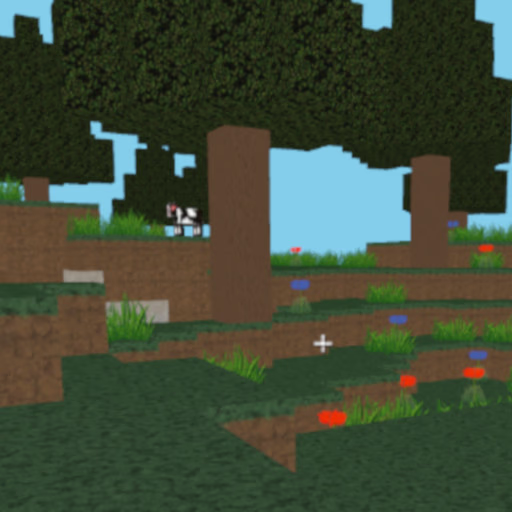
World Crafts
How Can You Build and Shape Worlds in World Crafts?
Players use intuitive block-placement mechanics to construct everything from cozy cabins to towering castles. World Crafts lets you add, break, and rearrange a variety of blocks to create custom landscapes or intricate interiors.
The user-friendly interface allows you to experiment quickly, making it easy to try out new designs and ideas without hassle.
What Makes World Crafts Unique Among Sandbox Games?
Unlike survival-focused games, World Crafts emphasizes freeform building and exploration without resource collection or threats from enemies. This focus on creativity means you can concentrate solely on expressing your imagination.
The instant access and lack of complicated menus set it apart from more complex simulators, making it ideal for quick sessions or extended design projects.
Can You Save or Share Your Creations?
World Crafts allows you to save your progress and return to your worlds at any time. While primarily a solo experience, some versions feature sharing capabilities for friends to view your builds.
The flexibility to revisit and refine your creations encourages both experimentation and long-term projects.
World Crafts Unblocked - Free Browser Game
Enjoy World Crafts for free right in your browser—no downloads or installs needed. The game works on most school or work networks, so you can jump into building and exploration whenever inspiration strikes.
Your goal in World Crafts is to use blocks to design and construct your own unique worlds. Build houses, landscapes, pixel art, or anything else you can imagine.
Controls are simple: use WASD or arrow keys to move around, and the mouse to look around or select blocks. Place or remove blocks using left click. On mobile, use touch, tap, or swipe to navigate and interact.
As you explore, select different block types to bring your visions to life. You can save your progress and return to improve or expand your creations at any time.
There's no survival mode or enemies, so you can focus purely on creativity and experimentation without limits.
Game Tips
Plan your layout - Sketch out structures before you start building for smoother construction. Use different block types - Combine various textures and colors to add detail to your builds.
Experiment with height - Build tall towers or dig underground to make your world more dynamic. Save often - Regularly save your world so you don't lose progress. Explore templates - Take inspiration from prebuilt structures or try recreating real-world buildings.