
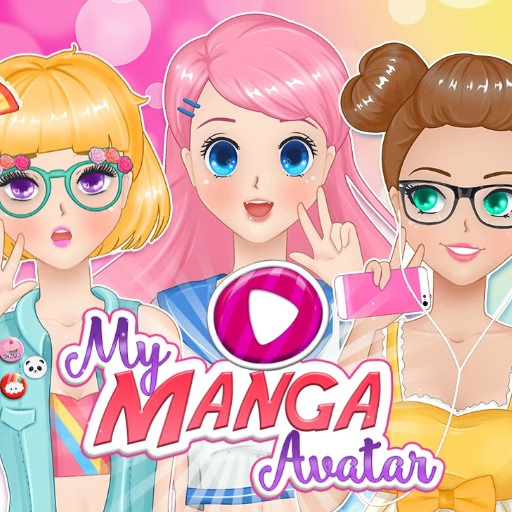
My Manga Avatar
My Manga Avatar is a casual browser-based dress-up game where you design and create your own unique anime-style character. Using a simple point-and-click interface, you can customize every detail, from facial features and hairstyles to clothing and accessories.
It's an ideal creative outlet for anime fans on any device.
How Do You Create Your Perfect Anime Look?
Getting started in My Manga Avatar is incredibly intuitive. The screen is divided into a character preview area on one side and a menu with customization categories on the other. You'll find tabs for face shape, eyes, nose, mouth, hair, tops, bottoms, and much more.
As you click on different styles, you'll see them appear on your avatar in real-time. Many items also have an associated color palette, allowing you to fine-tune the exact shade of your character's hair, eyes, or clothing.
It's all about mixing and matching until you've created an avatar that perfectly represents your vision.
What Are the Customization Options?
The strength of My Manga Avatar lies in its vast library of assets. You can choose from dozens of expressive eye shapes, from wide and innocent to sharp and serious. The hairstyle selection covers everything from classic pigtails and spiky cuts to long, flowing locks.
The wardrobe is equally extensive, featuring school uniforms, casual wear, and fantasy outfits.
Beyond the basics, you can add layers of personality with accessories. Add glasses, hats, ribbons, or even animal ears to make your character stand out.
Once your design is complete, you can select a fitting background to finalize your creation before saving the image to share with friends or use as a profile picture.
My Manga Avatar Unblocked - Free Browser Game
You can play My Manga Avatar for free directly in your web browser. There's no need for any downloads or installations.
Since it's an HTML5 game, it runs on most modern devices and can be accessed on school or work networks, making it easy to jump in and start creating whenever inspiration strikes.
The goal in My Manga Avatar is to design your own custom anime character from scratch. Use the extensive library of facial features, hairstyles, clothes, and accessories to bring your creative vision to life.
This is a point-and-click game controlled entirely with your mouse. Left click or tap on the category tabs to open different menus. Click on the items within each menu to apply them to your avatar.
If a color palette is available, click on a color to change the selected item's shade.
Progression is straightforward. Begin by selecting a base feature like face shape or skin tone. Then, move through the tabs for eyes, hair, clothes, and accessories, choosing the options you like best. Your character updates instantly with each selection.
Once you are happy with your creation, you can select a background to complete the scene. Finally, use the save button to download your finished avatar as an image file to your computer or device.
Game Tips
Build From the Face Out - Start with the face shape, skin tone, and eyes. These core features set the foundation for your character's personality and make it easier to choose hair and clothing later.
Color Coordinate - Use the color palette to match your character's hair, eyes, and outfit. A cohesive color scheme can make your avatar look much more polished and professional. Layer Your Accessories - Don't just pick one accessory.
Combine smaller items like hair clips with glasses or a necklace to add depth and detail to your character's design. Expression is Key - Small changes to the eyebrows and mouth can completely alter your avatar's mood.
Experiment with different combinations to create a happy, shy, or mischievous expression. Try Different Backgrounds - The background can change the entire feel of your avatar.
Test a few different scenic or abstract backgrounds before you save your final image to see which one fits best.