
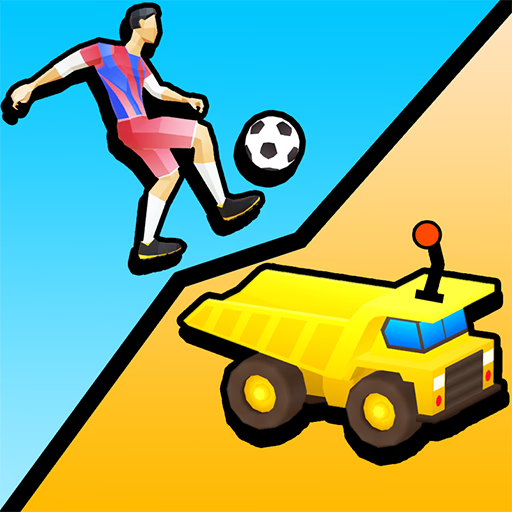
Kick and Ride
Kick and Ride is a 3D physics-based puzzle game where you construct paths to guide objects to a destination.
Played in a web browser using a mouse, this casual title challenges players to drag and drop various blocks to create a seamless route for either a soccer ball into a goal or a vehicle to a finish line,
combining elements of spatial reasoning and creative problem-solving.
How Do the Two Game Modes Work?
Kick and Ride offers two distinct but mechanically similar modes. In the soccer mode, your objective is to arrange ramps and platforms to guide a soccer ball, letting gravity and momentum do the work to land it in the net.
You'll need to account for bounces and rolling physics.
The vehicle mode tasks you with building a continuous road for a car. The pieces are more like puzzle segments that must fit together perfectly to create a drivable surface.
Both modes rely on the same simple drag-and-drop interface, but they challenge your brain in slightly different ways.
Master the Physics Puzzles
Success in Kick and Ride isn't just about fitting pieces together; it's about understanding the game's physics. A ramp that's too steep might launch the ball over the goal, while a poorly connected road piece could send your car tumbling.
Each level is a self-contained challenge that requires you to visualize the outcome before placing the first block.
As you progress, the puzzles become more intricate, introducing more complex layouts and requiring you to think several steps ahead. The game encourages experimentation, as watching a failed attempt often provides the exact clue you need to find the correct solution.
Kick and Ride Unblocked - Free Browser Game
You can enjoy Kick and Ride directly in your web browser without any downloads or installations.
Because it's a free HTML5 game, it runs on most modern devices and is accessible on networks at school or work, making it a great choice for a quick brain-teasing session anytime.
The goal in Kick and Ride is to solve each level's puzzle by building a complete path for an object to reach its destination.
In one mode, you'll guide a soccer ball into a goal, and in the other, you'll create a road for a car to drive to the finish line.
Use your mouse to play. Left click and hold on a block from the inventory at the bottom of the screen. Drag the block onto the designated empty spot in the puzzle area and release the click to place it.
Each level provides you with a specific set of blocks. You must use all of them to fill in the gaps and create a continuous path.
Once all the blocks are in place, the ball or car will automatically start moving along the path you've created.
If your path is incorrect, the object will fall or get stuck. You'll need to rethink your block placement and try again. Some levels may require you to rotate pieces to find the correct fit.
Game Tips
Plan Your Path - Before dragging any blocks, mentally trace the entire route from the start to the finish. Check All Angles - Some blocks can be rotated. If a piece doesn't seem to fit, try changing its orientation.
Start with the Ends - Place the starting and ending blocks first. This can often make it easier to see how the middle pieces should connect. Learn from Failure - Don't get discouraged by a failed attempt.
Watch where the object falls off to identify exactly which block is misplaced. Look for Clues - The shape of the empty spaces and the available blocks are your biggest clues. Match them up carefully.