
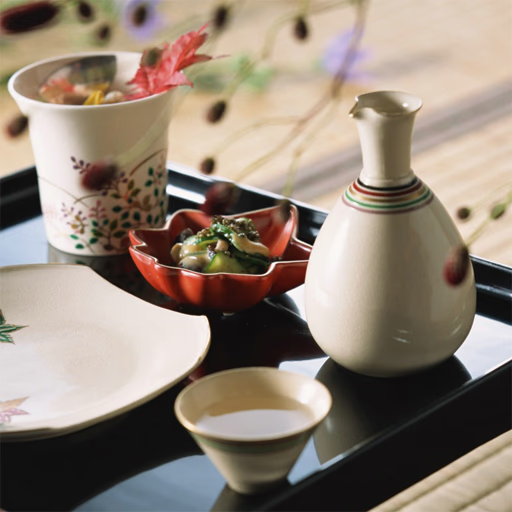
Japanese Food Slide
The game presents you with a grid where one tile is missing, allowing you to slide adjacent pieces into the empty slot. Your objective is to move the tiles around until the complete picture of a Japanese dish is correctly formed.
It’s a classic puzzle format that’s easy to understand but requires careful planning to master, similar to a digital Rubik's Cube.
What's the Best Strategy for Solving?
A solid approach for any sliding puzzle is to solve it in sections. Many players find success by completing the top row first, getting each tile into its final position from left to right.
Once the first row is locked in, you can work on the second row without disturbing your progress.
Another common technique is to solve the corners first, then the edge pieces, and finally fill in the middle. This creates a solid frame to work within.
Since there's no timer in Japanese Food Slide, you can take your time to visualize a few moves ahead and avoid accidentally messing up a completed section.
Choose Your Level of Challenge
Japanese Food Slide is accessible for everyone, thanks to its adjustable difficulty settings. You can select from Easy (3x3 grid), Medium (4x4 grid), or Hard (5x5 grid) before you start.
The Easy mode is great for a quick, satisfying puzzle, while the Hard mode offers a significant test of your spatial reasoning and patience.
The game features three different high-quality images of Japanese food, including sushi and ramen. You can try solving each picture on all three difficulty levels for a total of nine unique challenges. This variety keeps the gameplay fresh and provides a clear path for improvement.
Japanese Food Slide Unblocked - Free Browser Game
You can play Japanese Food Slide for free directly in your web browser. As an HTML5 game, it requires no downloads or installations.
This makes it easy to access on a school Chromebook, a work computer, or any mobile device for a quick and relaxing mental exercise during a break.
The goal in Japanese Food Slide is to solve a classic sliding puzzle. You are presented with a scrambled image of Japanese food that is missing one tile. Your task is to slide the tiles around to recreate the original, complete picture.
Controls are very simple. On a computer, use your mouse to left click on a tile that is next to the empty space; it will automatically slide into that spot. On a mobile device, just tap the tile you want to move.
To begin, select one of the three available food images and then choose your difficulty: Easy (3x3), Medium (4x4), or Hard (5x5). There is no time limit, so you can carefully plan your moves to solve the puzzle at your own pace.
Game Tips
Solve the Corners First - Getting the four corner pieces into their correct spots creates a stable frame to work with. Work Row by Row - A reliable method is to solve the top row completely, then the second, and so on.
This prevents you from undoing your progress. Plan Ahead - Before moving a piece, think about how it will affect the surrounding tiles. Try to visualize two or three moves in advance. Use the Empty Space - The empty tile is your only tool.
Use it strategically to shuffle pieces into place without disrupting completed sections. Don't Be Afraid to Undo - If you get a section wrong, it's often faster to backtrack a few moves and fix it rather than trying to solve around the mistake.