
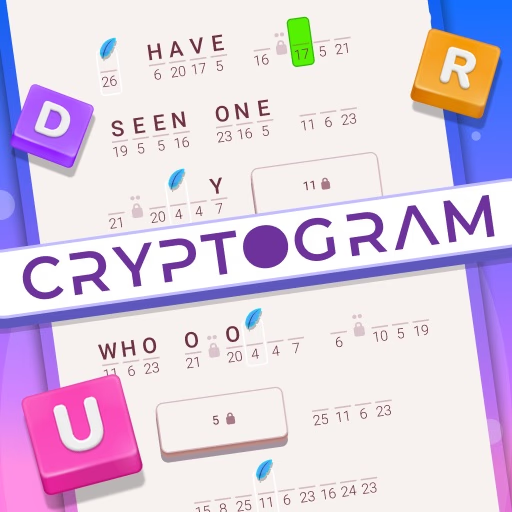
Cryptogram: Word Brain Puzzle
Cryptogram: Word Brain Puzzle is a free-to-play browser puzzle game where you decipher encrypted text. This HTML5 game challenges you to solve ciphers by substituting letters to reveal famous quotes and phrases.
Using logic and your knowledge of word patterns, you'll use your mouse and keyboard to crack the code in each level. It's a perfect casual game for fans of classic word puzzles like crosswords and word searches.
How Does a Cryptogram Puzzle Work?
A cryptogram is a type of puzzle consisting of a short piece of encrypted text. The cipher used to encrypt the text is a simple substitution, where each letter of the alphabet is consistently replaced by another.
For example, every 'A' might be replaced by a 'Q', every 'B' by an 'X', and so on throughout the puzzle.
Your job is to figure out this mapping. By analyzing letter frequencies, word patterns, and common English words, you can deduce which coded letter corresponds to which real letter. Filling in one correct letter often creates a chain reaction, revealing clues for other words.
Features to Help You Decipher
Cryptogram: Word Brain Puzzle isn't just about staring at a block of nonsensical letters. The game provides helpful tools to assist your code-breaking efforts.
If you get stuck, you can use a hint to reveal a correct letter pairing, giving you a crucial foothold to solve the rest of the puzzle.
The interface is designed for clarity, allowing you to easily input and change your letter guesses. As you fill in the letters, they populate across the entire puzzle, letting you see your hypotheses play out in real-time.
This interactive feedback is key to testing your theories and ultimately cracking the code.
Cryptogram: Word Brain Puzzle Unblocked - Free Browser Game
You can play Cryptogram: Word Brain Puzzle directly in your browser with no downloads or installations required. Because it's a lightweight HTML5 game, it runs on most devices and networks, including those at school or work. Enjoy unlimited code-breaking fun without any barriers.
The main goal in Cryptogram: Word Brain Puzzle is to decipher the encrypted quote. Each letter in the alphabet has been substituted for another, and you must figure out the original text.
Use your mouse or tap to select a letter box in the puzzle. Then, use your keyboard to type the letter you believe it represents. The letter you type will fill in all corresponding boxes for that same encrypted letter throughout the puzzle.
You can change your guesses at any time by simply selecting a box and typing a new letter. Continue this process of deduction and substitution until the entire hidden phrase is revealed and makes sense.
Game Tips
Start with Single Letters - A single-letter word in the puzzle is almost always 'A' or 'I'. This is one of the easiest and most reliable starting points. Look for Apostrophes - Patterns like 'T'S' or 'N'T' are very common.
If you see a three-letter word ending in an apostrophe and 'S', the first letter is likely 'I' (IT'S) or 'A' (THAT'S). Analyze Frequency - 'E' is the most common letter in English.
Look for the most frequent symbol in the cryptogram and try substituting it with an 'E' to see if it makes sense. Spot Double Letters - Words with double letters like 'LL', 'EE', 'SS', or 'OO' are easy to spot.
They limit the possibilities and can give you a strong clue about the word. Don't Be Afraid to Guess - Make an educated guess and see how it affects the rest of the puzzle.
If it leads to nonsensical letter combinations elsewhere, you know it's wrong and can easily undo it.