
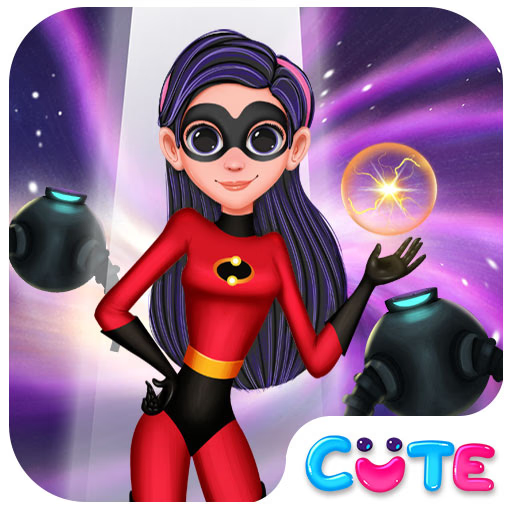
Superhero Violet Fashion Shoot
Superhero Violet Fashion Shoot is a dress up simulation game that combines superhero flair with creative fashion styling. Players assist Violet, a reserved teenage hero, as she gets ready for a glamorous photo shoot influenced by anime aesthetics and social media trends.
This browser-based HTML5 game uses simple point-and-click controls, making it easy to play on both PC and mobile. The vibrant graphics and character customization options appeal to anyone who enjoys fashion games or hero-themed adventures.
How Does Superhero Violet Fashion Shoot Work?
Players enter Violet's stylish world, where they can mix and match outfits, accessories, and hairstyles to craft the perfect look for her big photo shoot. Every clothing item and accessory is designed with superhero and modern fashion influences, allowing for endless combinations.
The goal is to help Violet stand out and express her unique personality through creative styling choices.
What Makes Violet's Fashion Shoot Stand Out?
This game isn't just about dressing up - it's about capturing the essence of a superhero balancing her secret life with everyday fashion. The interactive wardrobe offers a huge variety of tops, bottoms, shoes, masks, and capes.
As you experiment, you can preview how each look photographs in the studio, inspired by popular anime character designs and influencer shoots.
Who Will Enjoy Playing?
Superhero Violet Fashion Shoot is great for fans of dress up games, superhero stories, or anyone who loves customizing characters. The intuitive interface and colorful visuals are accessible for all ages, making it perfect for both casual players and style enthusiasts.
If you like creative challenges and designing unique looks, this game is for you.
Superhero Violet Fashion Shoot Unblocked - Free Browser Game
You can play Superhero Violet Fashion Shoot free in your browser with no downloads required. It runs smoothly on school or work networks, letting you enjoy fashion fun and superhero style anywhere.
Your main goal is to help Violet get ready for her big fashion photo shoot by choosing stylish outfits and accessories that fit her superhero personality.
Use your mouse or touch to select clothing items, drag them onto Violet, and click to try on different pieces. Change her hairstyle and add accessories by clicking the icons in the interface.
Work through various outfit categories—tops, bottoms, shoes, masks, and extras—to mix and match styles. When you're satisfied with your creation, snap a photo to see Violet's final look on screen.
Experiment with different combinations and preview each look in the photo studio before moving on to the next stage.
Game Tips
Mix patterns and textures - Try combining bold prints with solid colors for standout looks. Use accessories - Add masks, capes, or jewelry to give Violet a true superhero vibe.
Preview before saving - Use the photo button to see how your outfit looks in the shoot. Match colors - Coordinate outfits by sticking to a color theme for a cohesive style. Try different hairstyles - Changing Violet's hair can completely transform her look.