
Roblox Craft Run
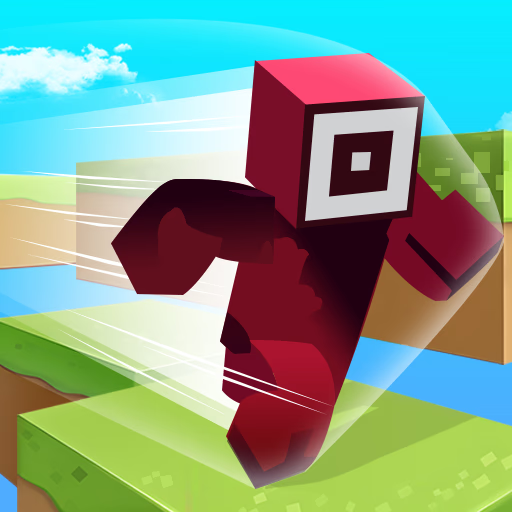
Roblox Craft Run is a 3D running adventure game where you collect resources to build paths and overcome obstacles. This casual HTML5 browser game combines the fast-paced action of an endless runner with simple crafting mechanics.
Using your mouse or touch controls, you guide a blocky character down a winding track, gathering wood planks to construct bridges over gaps. It's a skill-based challenge for players who enjoy games like Minecraft and Roblox obbies.
How Do You Use Wood in the Game?
The core mechanic in Roblox Craft Run revolves around resource collection and automatic building. As your character runs forward automatically, your job is to steer them left and right to pick up stacks of wood planks scattered along the path.
You'll see these planks added to a pile carried on your character's back.
When you approach a gap in the track, the wood you've collected is used up to instantly build a bridge. A number above the gap indicates how many planks are required. If your collected wood meets or exceeds this number, you'll pass safely.
If not, you'll fall and have to restart the level.
Navigating Tricky Platforms and Mazes
Don't expect a straight shot to the finish line. The courses in Roblox Craft Run are designed like simple mazes, with twists, turns, and dead ends.
You need to react quickly to stay on the correct path while avoiding stationary obstacles that can disrupt your run.
Success requires looking ahead and planning your route to collect the most wood efficiently. Choosing the wrong turn could mean missing crucial resources needed for the next big gap, forcing you to think on your feet as you race toward the end of each stage.
Roblox Craft Run Unblocked - Free Browser Game
You can play Roblox Craft Run for free directly in your web browser. As an HTML5 game, it requires no downloads, installations, or sign-ups.
This makes it easy to access on any device with an internet connection, including school Chromebooks or work computers that might have network restrictions, ensuring you can play anywhere.
Your objective in Roblox Craft Run is to guide your character to the end of each 3D course. To do this, you must collect stacks of wood planks to build bridges over any gaps you encounter along the way.
The character runs forward automatically. Use your mouse to control their movement. Simply click and hold the left click button, then drag your mouse left or right to steer the character across the path. On mobile devices, use touch and swipe controls.
As you run, gather as much wood as possible. When you reach a gap, the wood will be used automatically to build a bridge. If you have enough wood, you will cross safely.
If you don't have enough, you will fall, and the level will restart.
Game Tips
Look Ahead - Always scan the path in front of you to anticipate turns and spot upcoming wood piles. Prioritize Planks - It's always better to have a surplus of wood.
Go out of your way to collect planks, even if it seems like you have enough. Stay Centered - After making a turn or collecting wood, try to guide your character back to the middle of the path.
This gives you more time to react to the next obstacle. Smooth Movements - Avoid sharp, jerky movements. Gentle, controlled swipes with the mouse will give you better control and help you stay on the path.
Learn the Layout - If you fail a level, remember the tricky parts. Each level's design is fixed, so you can learn from your mistakes for the next attempt.