
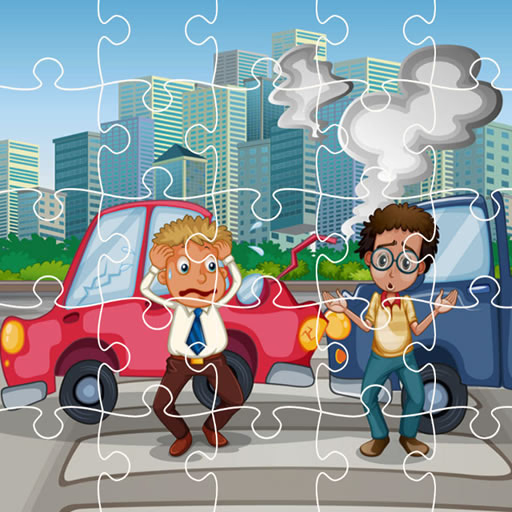
Crash Car Jigsaw
Crash Car Jigsaw is a free-to-play puzzle game where players assemble jigsaw puzzles featuring dramatic images of crashed cars. This browser-based game combines the classic tile-matching mechanic with a unique automotive theme, challenging you to piece together scenes of vehicular wreckage.
It's designed for puzzle enthusiasts and car fans looking for a different kind of challenge.
How Do You Play Crash Car Jigsaw?
The gameplay is straightforward and relaxing. You begin by choosing one of the available images depicting a car crash. After selecting a picture, you decide on the difficulty level, which determines how many pieces the puzzle will have.
The game then shuffles the pieces around the board.
Your goal is to use your mouse to click and drag each piece into its correct position. When two pieces that belong together are placed side-by-side, they will snap into place. Continue this process until the entire image is reformed.
Multiple Difficulty Levels
Crash Car Jigsaw caters to various skill levels by offering different puzzle sizes. You can typically choose from several options, such as an easy 16-piece puzzle, a standard 36-piece puzzle, or more challenging 64 and 100-piece versions.
This flexibility allows you to enjoy a quick and casual game or settle in for a more complex and satisfying puzzle-solving session. You can tackle the same image on a harder difficulty to test your skills further.
A Unique Puzzle Theme
While most jigsaw games feature landscapes or animals, this title stands out with its focus on crashed cars. The detailed images of twisted metal, shattered glass, and deployed airbags provide an unconventional but compelling subject.
Finding the right piece to complete a broken headlight or a dented door offers a distinct sense of accomplishment.
Crash Car Jigsaw Unblocked - Free Browser Game
You can play Crash Car Jigsaw for free directly in your web browser. There's no need to download any files or install software.
Because it's an HTML5 game, it runs on most modern devices and can be accessed on school or work networks that might block other gaming sites.
The goal in Crash Car Jigsaw is to successfully reassemble a complete picture of a crashed car from a collection of shuffled puzzle pieces.
Use your mouse to interact with the game. Left click on a puzzle piece and hold the button down to drag it across the board. Release the left click to drop the piece into position.
You start by picking an image you want to solve. Next, select a difficulty mode, which sets the number of pieces. The game will then scramble the pieces, and you can begin solving the puzzle.
Game Tips
Build the Frame First - Just like a real-life jigsaw, find all the pieces with a flat edge and assemble the border of the puzzle first. Sort Your Pieces - Before you start, try grouping pieces by color or distinct features.
Putting all the tire pieces or headlight pieces in one area makes them easier to find later. Focus on Details - Look for easily identifiable objects within the wreckage, like a steering wheel, a logo, or a specific dent.
Build small sections around these details and then connect them. Work in Sections - Don't just hunt for one piece at a time. Try to form small clusters of 2-3 connected pieces.
It's much easier to fit these larger chunks into the puzzle than individual tiles. Start Small - If you're having trouble, begin with the easiest difficulty (lowest piece count) to familiarize yourself with the images before attempting the more complex versions.