
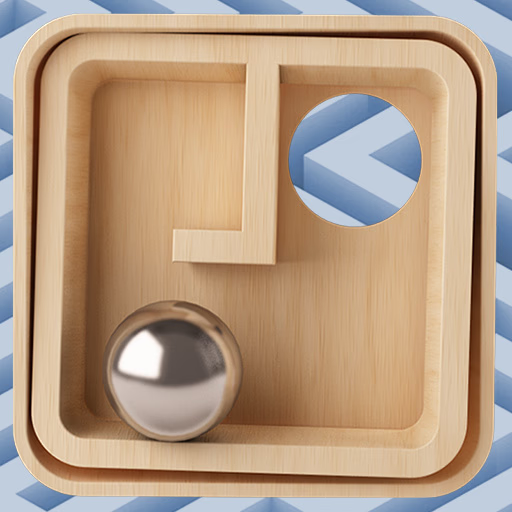
Classic Labyrinth 3d Maze
Classic Labyrinth 3d Maze is a skill-based 3D puzzle game that faithfully recreates the beloved wooden labyrinth toy for your browser. Using your keyboard, you tilt the entire maze to guide a steel ball through complex paths, carefully avoiding the trap holes.
It’s a game of patience and precision for players who enjoy physics-based challenges.
How Does the Tilting Mechanic Work?
The core of Classic Labyrinth 3d Maze is its intuitive control scheme. You use the WASD or arrow keys to tilt the board on its X and Y axes.
Pressing 'W' tilts the top edge down, causing the ball to roll forward, while 'A' tilts the left edge down, making it roll left. The physics engine simulates gravity and momentum, so the ball will accelerate the longer you hold a key.
Mastering the game means learning to make small, precise adjustments. Quick taps on the keys are often more effective than holding them down, as this allows you to control the ball's speed and prevent it from careening into a hole.
You'll need to anticipate the ball's movement and even use counter-tilts to slow it down.
Navigating Increasingly Complex Mazes
The game presents a series of levels, each with a unique and progressively more difficult layout. Early stages serve as a tutorial, with wide paths and few obstacles. As you advance, the mazes become much more challenging.
You'll encounter tighter corridors that demand finer control, an increased number of trap holes placed in tricky spots, and winding paths that require you to change the ball's direction and momentum quickly.
Each new level in Classic Labyrinth 3d Maze is a fresh test of your steady hand and strategic planning.
Classic Labyrinth 3d Maze Unblocked - Free Browser Game
You can enjoy this classic puzzle experience completely free in your web browser. There's no need for any downloads or installations.
Because it's an HTML5 game, Classic Labyrinth 3d Maze runs directly on most modern browsers, making it easily accessible on school or work networks that might block other gaming sites.
The goal in Classic Labyrinth 3d Maze is to guide the steel ball from its starting position to the red goal hole. You must navigate the maze carefully to avoid falling into any of the black trap holes scattered across the board.
Control the game by tilting the entire maze. Use the WASD keys or the arrow keys on your keyboard. Pressing a key tilts the board in that direction, and the ball will roll accordingly due to simulated gravity.
Completing a level unlocks the next one. If your ball falls into a black hole at any point, your progress on that level is reset, and you must start it again from the beginning.
There is no limit to how many times you can retry a level.
Game Tips
Go Slow - Rushing is the fastest way to lose. Make deliberate, slow movements to maintain control. Gentle Taps - Use short, quick taps on the keys for fine-tuned adjustments instead of holding them down.
Plan Your Path - Before moving the ball, take a moment to look over the entire maze and identify the safest route to the goal. Counter-Tilt - To stop a rolling ball, briefly tap the key for the opposite direction.
This is crucial for stopping near holes. Use the Walls - The wooden walls are your friends. You can gently guide the ball along them to safely navigate tight corners and passages.