
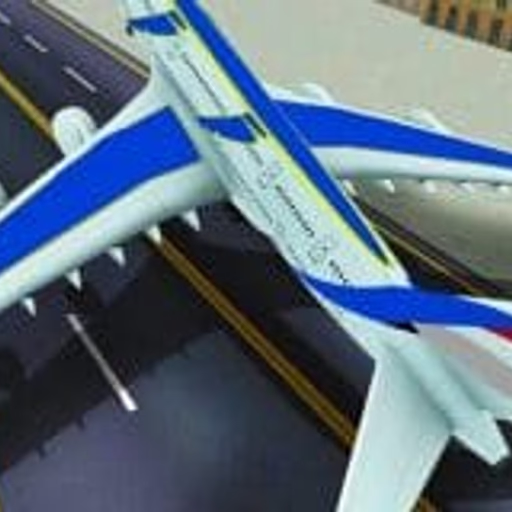
Airplane Fly Simulator
Airplane Fly Simulator is a 3D flying simulation game where you pilot a plane through a series of checkpoints to reach a destination. This browser-based arcade game uses simple keyboard controls for steering and speed, making it accessible for casual players interested in aviation-themed challenges.
It offers a straightforward flight experience without complex mechanics.
How Do You Control the Plane?
Getting your aircraft off the ground and through the sky is intuitive in Airplane Fly Simulator. The primary controls use the keyboard. You'll use the WASD or arrow keys to manage the plane's orientation.
Pressing W or the Up Arrow pitches the nose down, while S or the Down Arrow pitches it up.
To bank left or right, you'll use the A and D keys or the Left and Right Arrows.
For speed management, the Shift key provides a throttle boost for covering ground quickly, and the spacebar acts as a brake to help you slow down for precise maneuvers or landings.
Navigating Missions and Waypoints
The core objective of the game is to successfully navigate a pre-set flight path. Each mission requires you to fly through a series of glowing green rings, or waypoints, that are scattered across the sky.
You must pass through them in the correct sequence to progress.
An on-screen indicator will always point you toward the next active waypoint, so you won't get lost. The challenge comes from controlling your altitude and direction to line up your approach perfectly for each ring. Successfully completing a course unlocks the next, more complex mission.
Airplane Fly Simulator Unblocked - Free Browser Game
You can enjoy Airplane Fly Simulator directly in your web browser with no downloads required. Because it's an HTML5 game, it runs on most modern devices and can be played on school or work networks that might block other gaming sites.
Just load the page and start flying for free instantly.
Your goal in Airplane Fly Simulator is to pilot your aircraft through a series of glowing green waypoints. You must fly through every ring in the correct order to complete the mission and reach your final destination.
Use WASD or the arrow keys for flight control. W/Up Arrow pitches the nose down and S/Down Arrow pitches it up. A/Left Arrow rolls the plane left, and D/Right Arrow rolls it to the right.
Manage your speed using the keyboard. Press and hold the Shift key to activate a speed boost, which is great for long, straight flight paths. Use the spacebar to apply the brakes, reducing your speed for tighter turns or preparing for a landing.
Game Tips
Gentle Turns - Avoid sharp, sudden movements. Make gradual turns to maintain control and prevent your plane from stalling or over-steering. Manage Altitude - Tap the W and S keys lightly to adjust your height.
Holding them down for too long can cause you to drastically overshoot or undershoot a waypoint. Boost Strategically - Save your Shift key boost for straightaways between distant waypoints. Using it during a turn can make it difficult to control the plane.
Brake for Precision - When approaching a waypoint that requires a sharp turn immediately after, tap the spacebar to slow down and give yourself more time to line up the maneuver.
Follow the Marker - If you lose sight of the next green ring, focus on the on-screen directional marker. It will always point you exactly where you need to go.